Widgets
6 min
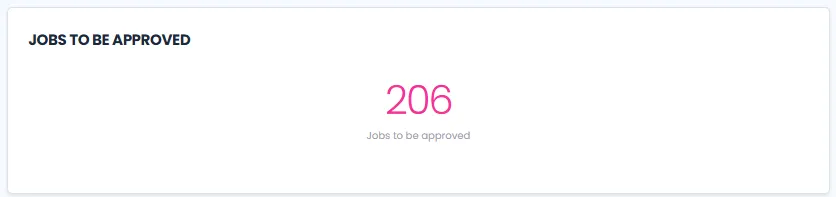
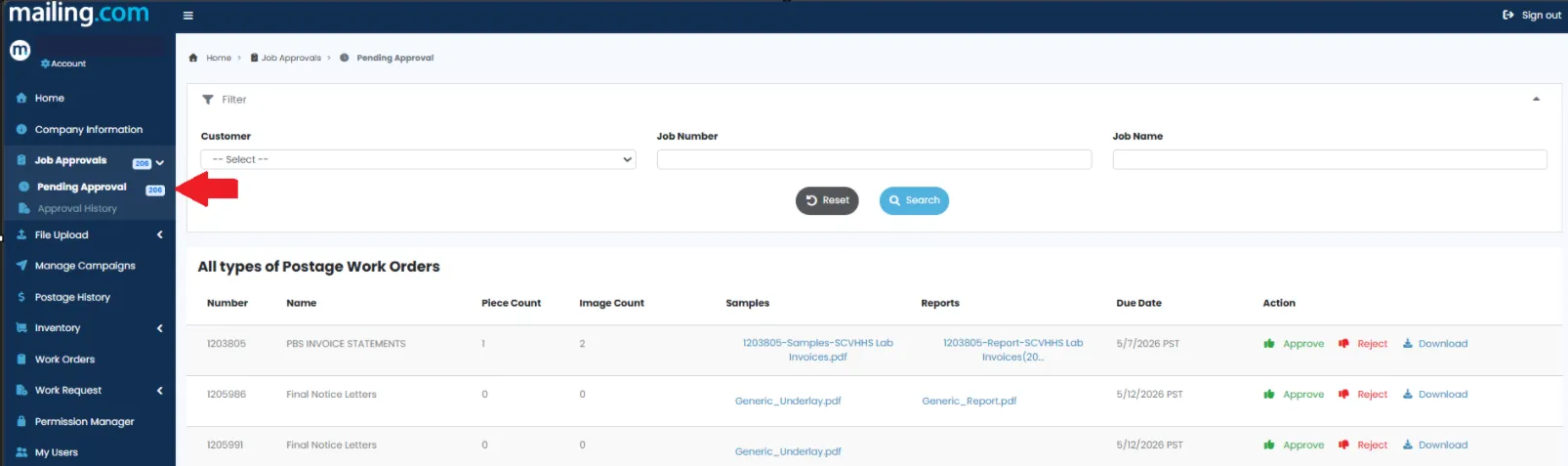
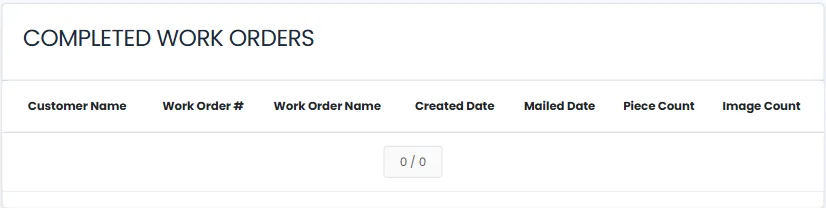
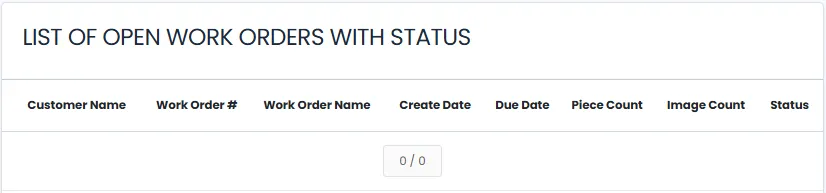
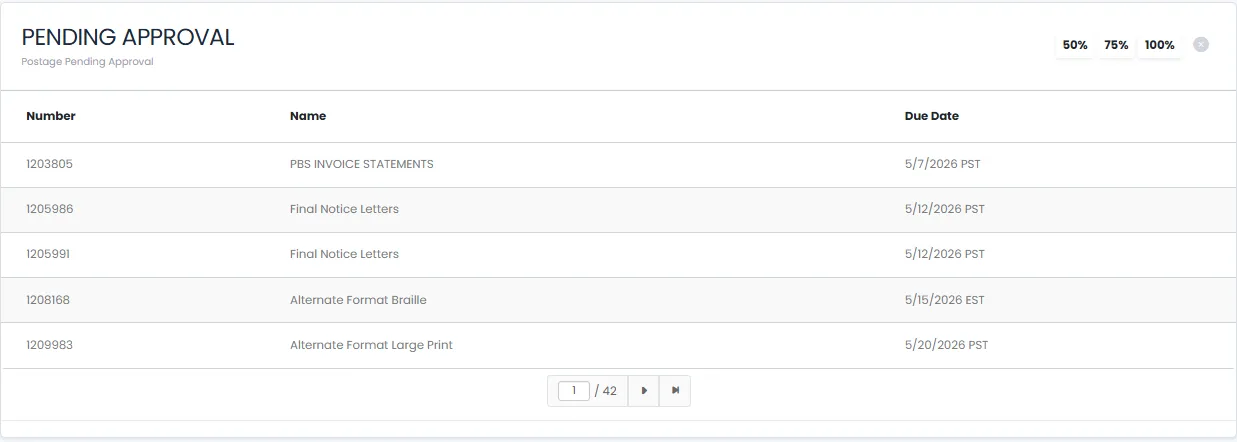
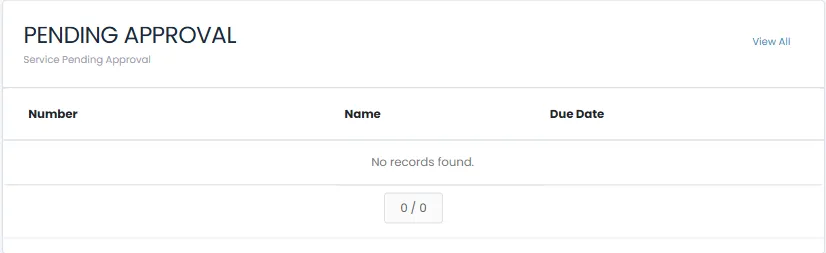
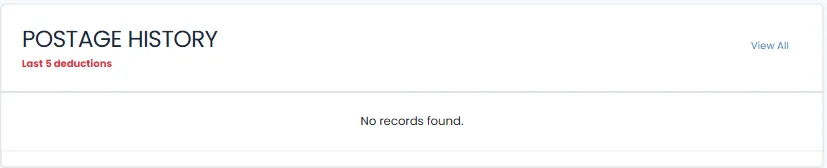
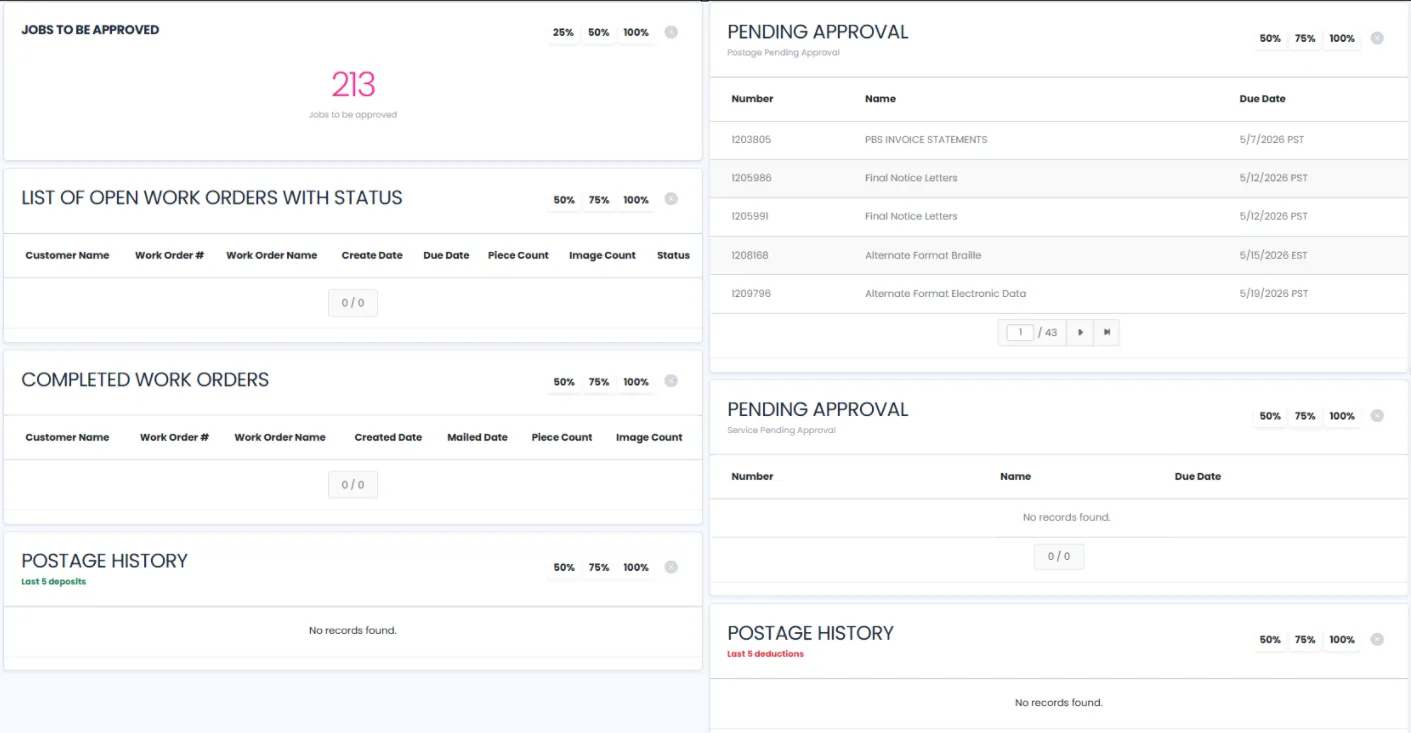
welcome to your portal homepage the homepage dashboard is designed to give you quick access to the information that matters most to you using the customizable widgets, you can monitor work order activity, track work order approvals, and review work order postage activity all from one convenient location whether you're an internal team member or an existing customer, dashboard widgets allow you to organize information based on your needs and workflow what are portal widgets? portal widgets are customizable dashboard sections that display work order information and give the user quick visibility to track certain historical activity users can add or remove widgets from their dashboard rearrange widgets by dragging and dropping them to different locations resize widgets to prioritize the information most important to each user create a personalized dashboard experience based on their preferences think of widgets as individual information panels that can be organized to create your ideal workspace internal users > team members monitor work order activity track approval queues review postage transactions external users > customers monitor job status in real time track postage activity view pending approvals available dashboard widgets jobs to be approved displays the total number of jobs currently awaiting approval this widget helps users quickly identify pending work orders requiring review and action clicking on the widget above will automatically route you to the pending approvals tab ⬇️ completed work orders provides a list of recently completed work orders, including key details of the customer and work order like the piece and image count list of open work orders with status displays work orders and their production status, allowing users to monitor progress in real time postage history last 5 deposits shows the five most recent postage account deposits for quick reference and account tracking view all ➡️ takes you directly to the postage history tab in portal postage pending approval displays postage related requests that are awaiting approval, helping users manage and monitor pending postage transactions service pending approval lists service type of work orders currently awaiting approval postage history last 5 deductions provides visibility into the five most recent postage deductions made from a customer account managing your widgets to customize your dashboard navigate to the homepage and click on edit layout click on +add widgets choose the widgets you would like displayed > save drag and drop widgets to rearrange their location resize widgets as needed to emphasize important information option to zoom in/out by percentage 25, 50, 75, 100% select save to keep your dashboard layout select cancel to discard any unsaved changes tip arrange your most frequently used widgets near the top of the page for faster access throughout the day this flexibility allows each user to create a dashboard that best supports their responsibilities and daily tasks